Download

VocabDict

VocabDict is a full-featured offline English dictionary, AI translator, and IELTS speaking coach for Windows (Microsoft Store or direct download), Linux, and Android. macOS is coming to the Apple App Store, and iOS is coming soon. The Google Play listing is in progress — meanwhile the Android APK is available for direct download.

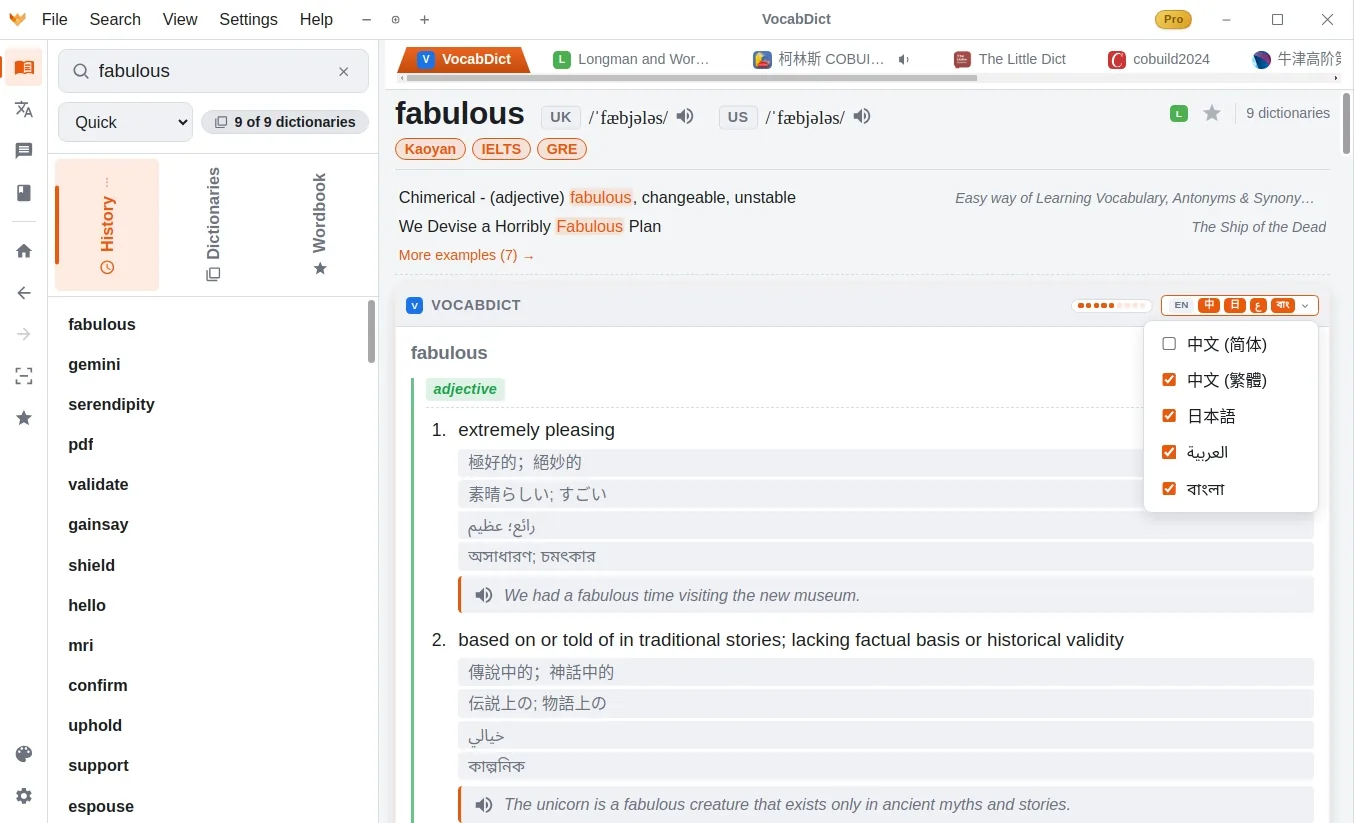
VocabDict desktop app showing multi-dictionary lookup results for 'fabulous'

Version 1.0.41 — pick your platform below.

Available for

All Platforms

Version 1.0.41Windows & Linux stable · macOS coming to the App Store

Windows

Windows 10 or later (64-bit) · Microsoft Store or direct download

Installer · 304 MB Microsoft Store
  • SHA-2564c8c33231c5efe5019d2ba8c37d7e692666d026f314e8e9a3457959ce63bdb46

macOS

Apple Silicon (M1 or later) · Apple App Store

Coming to the App Store

Mobile

Android v1.0.12APK direct install · iOS coming soon

Android

Android 7.0 or later · APK direct install

APK · 60 MB
Google Play — Coming Soon
  • SHA-2566f63a4180cda0070be4e017b66844dd5891a611edcd7e7d1cc3e34fd6a3feb38

iOS

iOS 15 or later

Coming Soon

Browser Extension

Chrome / Firefox Beta

Look up selected words and translate sentences on any web page — right-click menu offers both, results show in a draggable, pinnable, resizable popup. MDict dictionary cards and audio are included in this beta. AI translation uses your locally paired VocabDict desktop app. Pair it from Settings → Browser Extension.

  1. Download & unzip, then in Chrome: chrome://extensions → enable Developer mode → Load unpacked → pick the unzipped folder.
  2. In Firefox: about:debugging → This Firefox → Load Temporary Add-on… → pick the .zip itself (temporary — it unloads on restart until we ship a signed build).
  3. Open the extension's Options page and paste the pairing string from the app's settings tab.
zip · Chrome / Firefox
  • SHA-256603d3e5e474f4da092c4b637298d122b35c94bc226aceaee0f6af5cf4a8f9375

Fully Offline AI

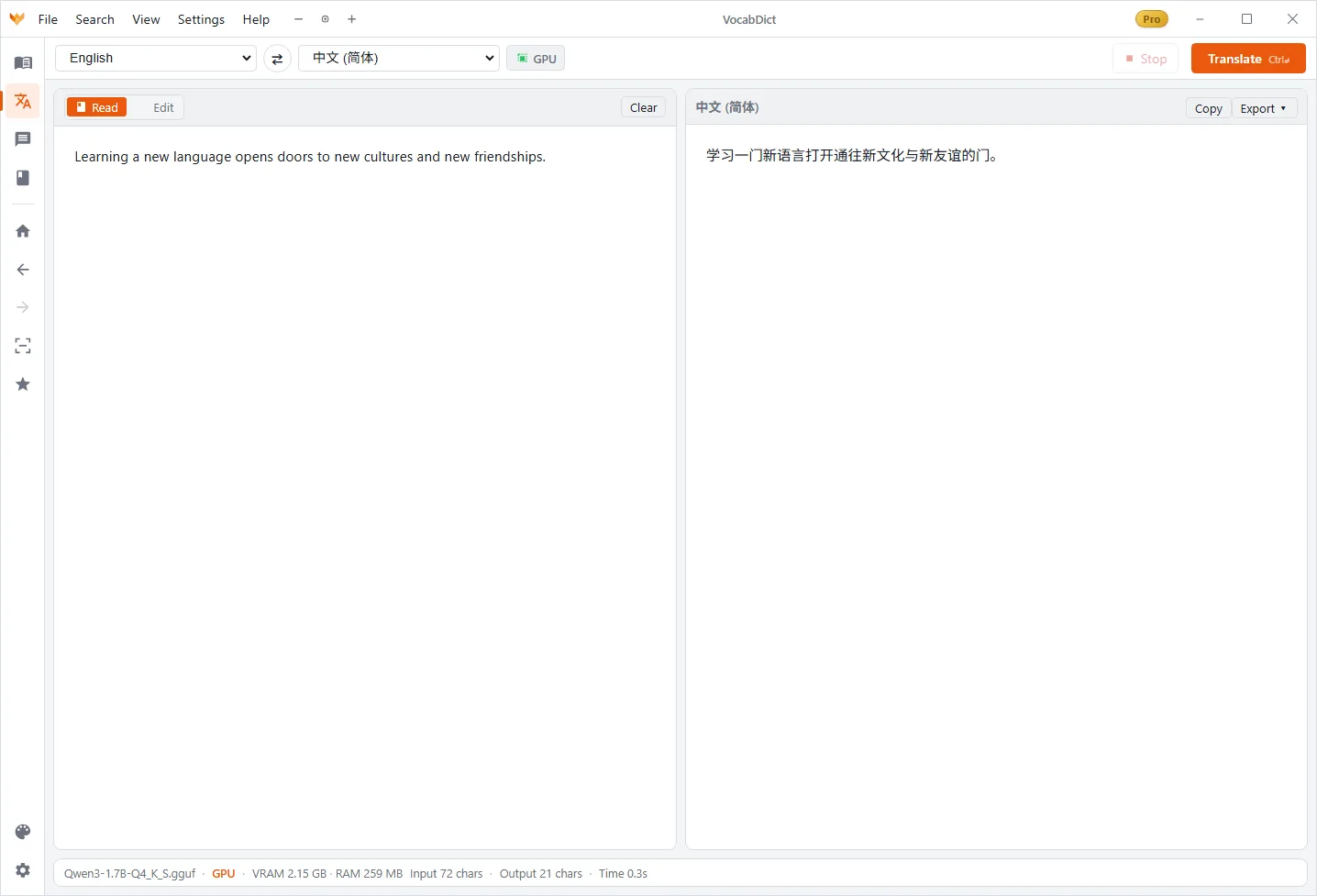
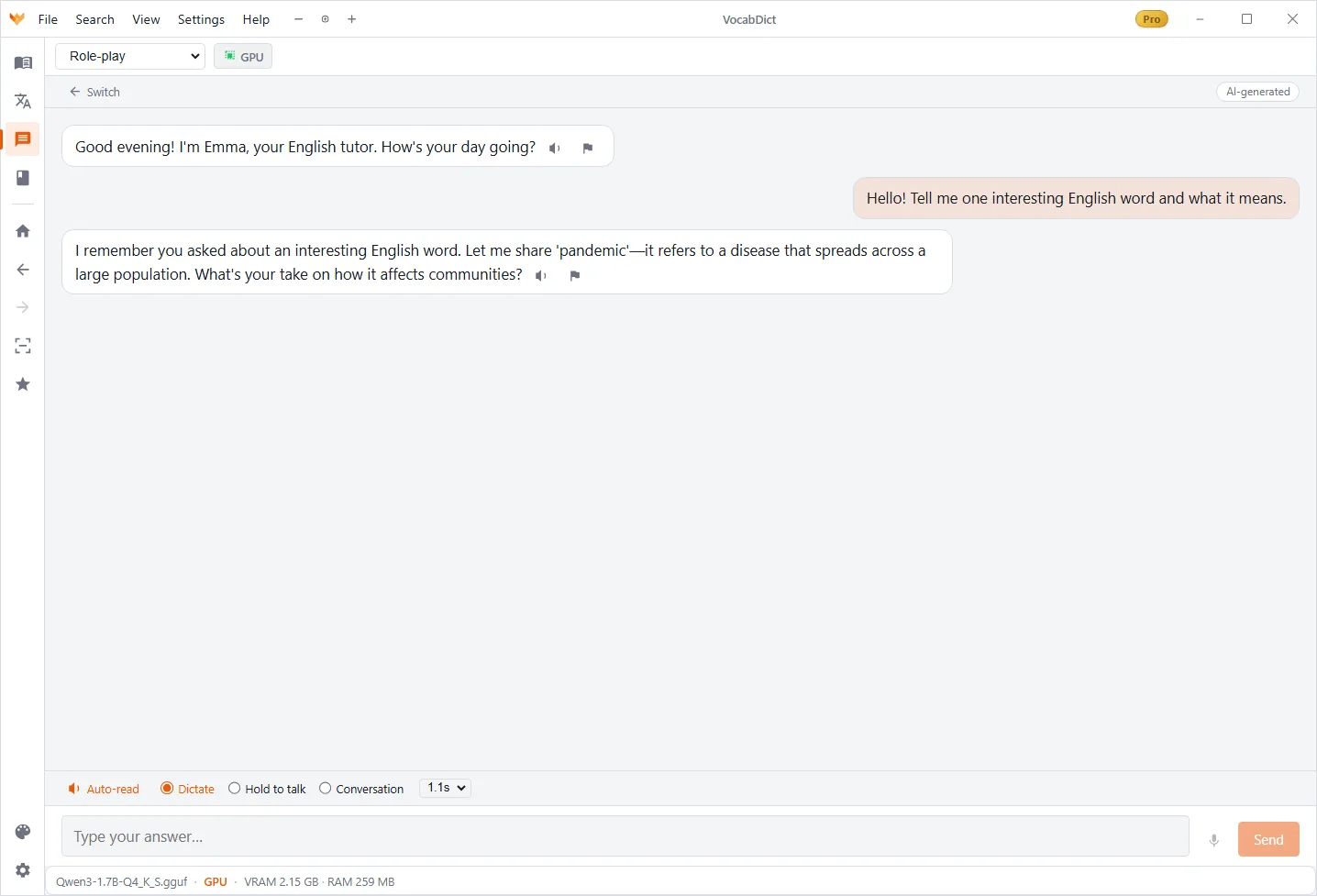
Translation, chat, and speech run on local models. Nothing ever leaves your device.

Privacy First

No telemetry, no cloud processing. Your study data stays on your computer — period.

30 UI Languages

Interface available in 30 languages including Chinese, Japanese, Korean, and more.

Works Offline

Dictionary, translation, and chat all work without an internet connection. Study anywhere.

Screenshot Lookup

Screenshot any text on your screen and instantly look up the word — no retyping needed.

Custom Dictionaries

Add your own MDict-format dictionaries to expand far beyond the built-in 130,000+ entries.